
Identify Locators Using Identification Wizard
Once the Quuppa system is physically installed and the Locators have been positioned in the QSP, the next step is to identify the Locators using the Identification Wizard and the Focusing Locator. This step lets the system know which installed Locator is which and so makes it possible for the Quuppa Positioning Engine (QPE) to check that the Locators have valid subscriptions (or licences for LD Generation Locators).
Note:
Q17 Focusing Locator should be connected to a laptop
computer via an Ethernet port and a micro-usb cable. LD-6L Focusing Locator can
no longer be used with release 8.0 and above.
-
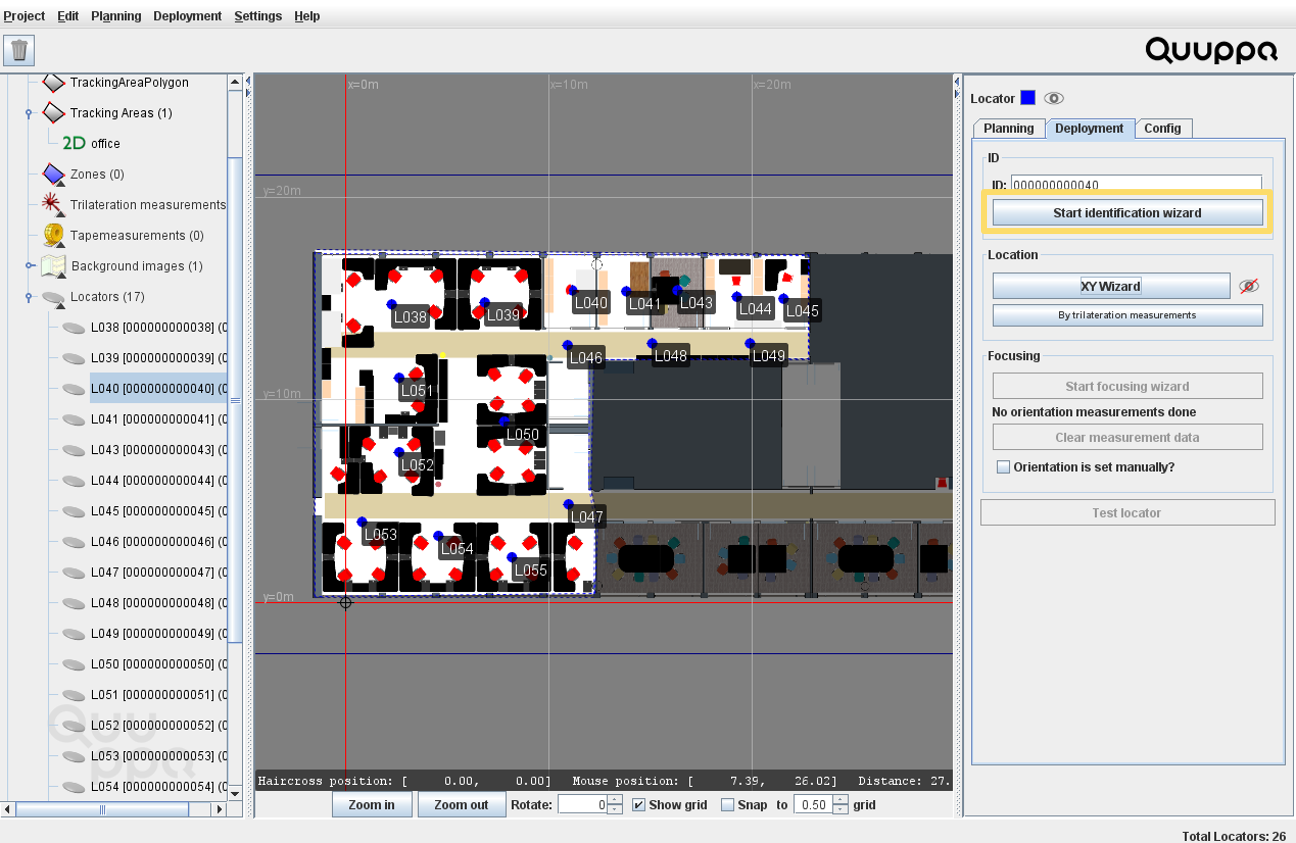
In the panel on the right, open the Deployment tab and
click the Start identification wizard button.
-
Aim the Focusing Locator towards the selected Locator. Adjust your aim so that
the dot moves close to the center of the diagram (dot changes to green) and keep
aiming until the signal quality is good enough that the wizard identifies the
Locator.
Tip:Make sure you are close enough for a good quality signal.
