
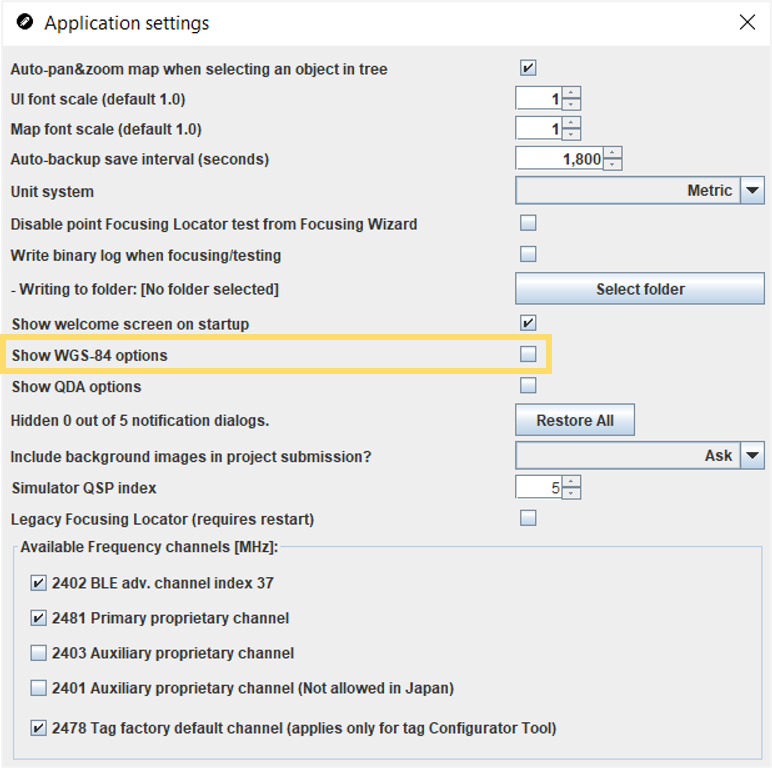
Enable WGS-84 Options
The feature is not enabled by default in the QSP and must be enabled manually before use.
Note:
For more information about using the WGS-84 options, please see the Expose Global
Reference Coordinates (WGS-84) section of this guide.
-
Click the checkbox for Show WGS-84 options to activate the
feature.
-
Restart the QSP. The WGS-84 object will appear in the object tree after the QSP
is restarted.
