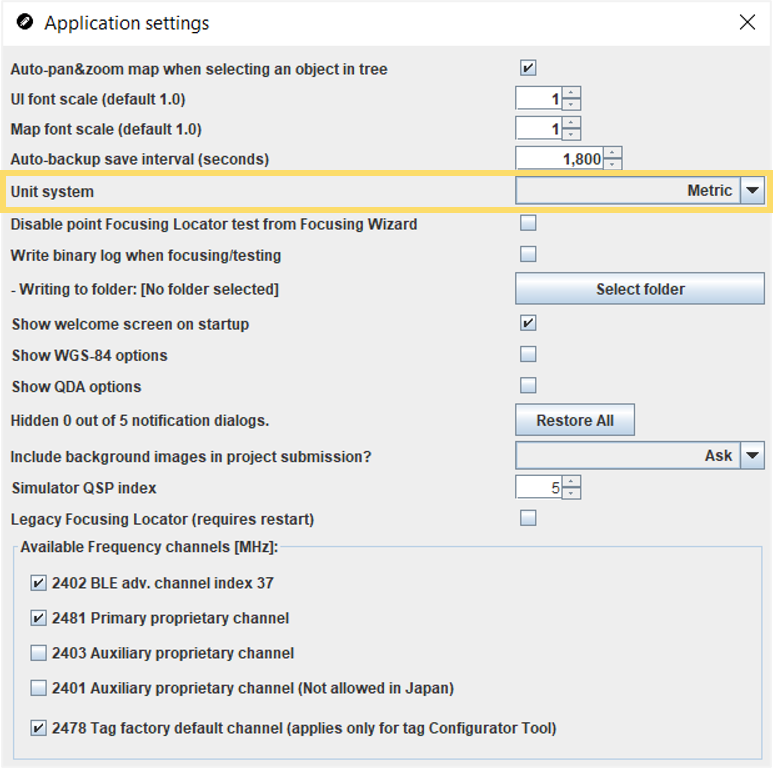
The QSP application settings allow you to choose whether the QSP displays metric or
imperial units. The QSP uses the selected unit system to show and input various length
values within the QSP, for example in the map view, the coordinates, the map controls
and also the background image. The QSP will also various X, Y and Z measurements in the
selected units, for example Locator positions and tracking area heights.
Note: This setting does not affect the output of the Quuppa Positioning Engine
(QPE).
By default, the QSP is set to show metric units.
-
Open the QSP.
-
In the menu bar at the top, select the Settings menu and
select Application Settings. The Application Settings
window will open.
-
Select your preferred unit type from the Unit system drop
down menu.
-
The unit system will automatically be changed throughout the QSP.