
Edit Tag States
Note:
The built-in configurations cannot be edited. Please create a new
configuration to edit the parameters.
Tags can be in one of four different states:
- Storage: The storage state is typically used to save tag battery when the tag is not in active use.
- Default: The tag is in the default state when it is not moving.
- Triggered: The tag is in the triggered state when it is moving.
- Temporary: The tag enters the temporary state when commanded through
the QPE API or the location-based commands set in the project file.Note:Temporary commands are edited in the Temporary command editor. For more information, please see the Edit Temporary Commands section.
Tags transition between these states according to the settings in the Tag configuration editor. For example, a tag in the storage state can be "woken up" into the triggered state by pushing the tag button or by moving the tag so that the built-in accelerometer senses the acceleration. The tag will transition into a temporary state if commanded to do so via the QPE API or the location-based commands set in the project file. The tag can then move back down the states after it has remained inactive for a defined time-out period.
To edit the parameters for each state, please follow the steps below.
-
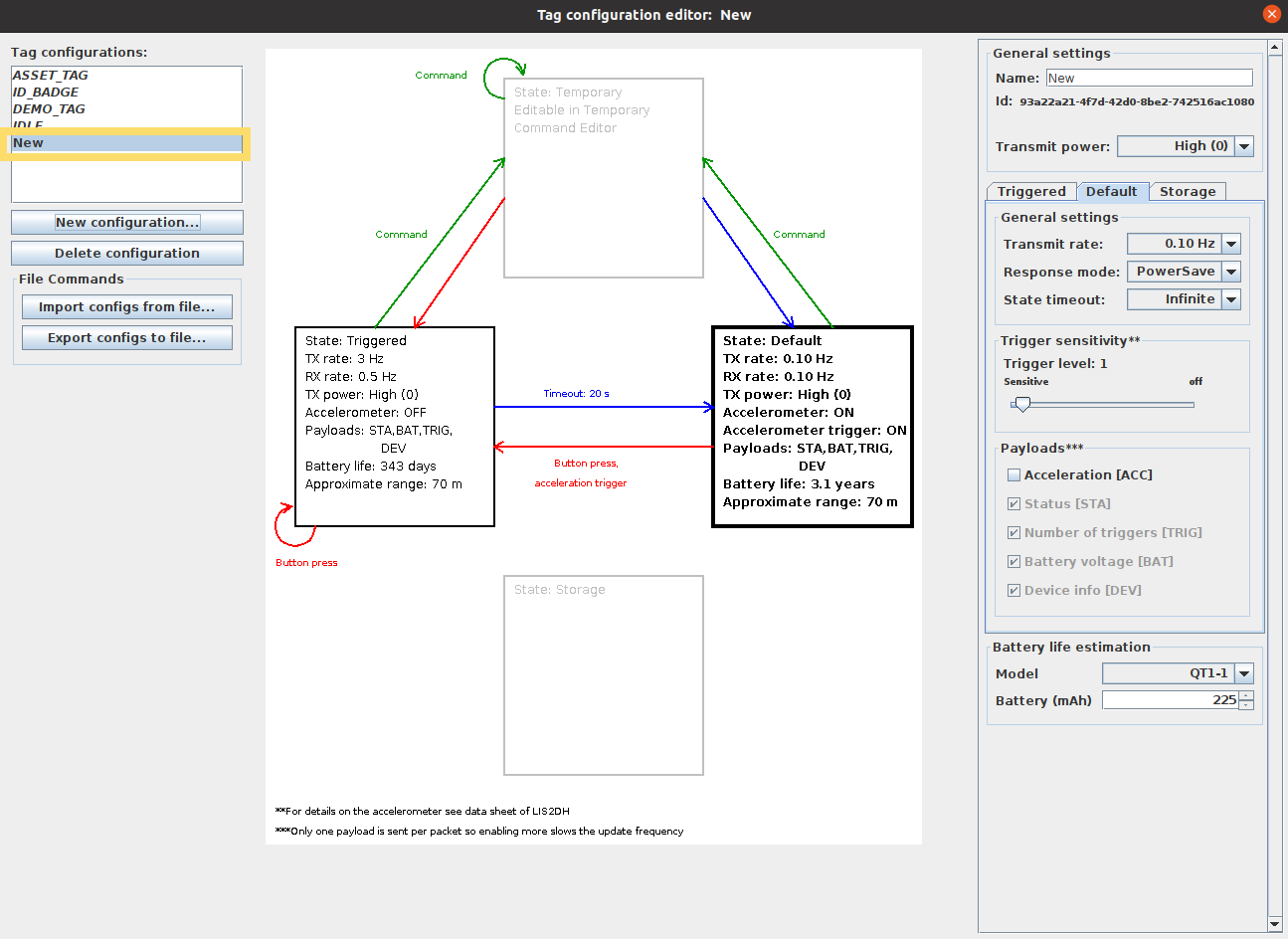
Select the configuration that you want to edit from the tag configuration list
in the panel on the left.
-
Select the state that you want to modify by clicking the box in the state
diagram.
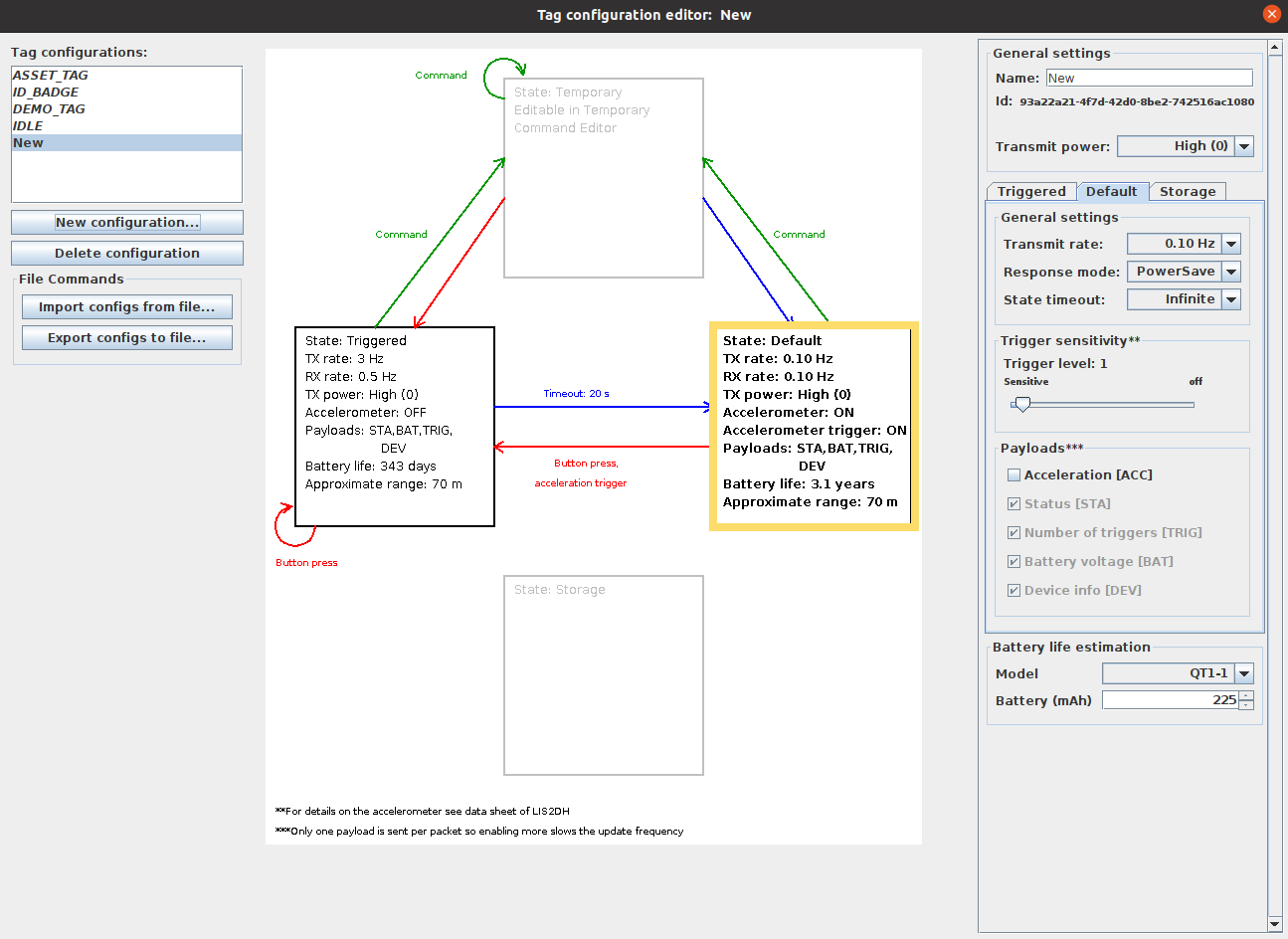 Tip:Alternatively, you can select the appropriate state tab in the settings panel on the right.
 -
Edit the parameters in the settings panel on the right. All changes are saved
automatically. Please see the sections Tag State Parameter
Descriptions, Available Tag State Parameters and Typical TX Power and
Rate for more details.
